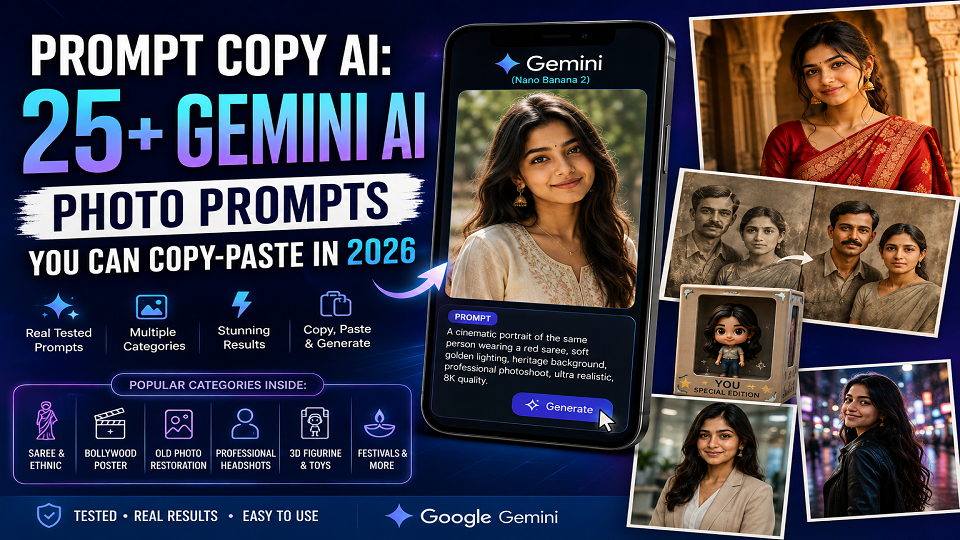
Need a prompt copy AI that actually works the first time? Short version, learned after a lot of failed attempts – name your subject, the exact outfit or scene detail, the lighting, and the camera style, all in one sentence, then drop it into Gemini along with your source photo. Below are 25+ gemini ai photo prompt copy paste examples, sorted by occasion. Saree shoots, old photo restoration, LinkedIn headshots, festival portraits, pet photos, and that 3D figurine thing everyone’s doing right now. I tested these prompts across a range of personal and permitted test photos before it made it here.
Why “Prompt Copy AI” Is Suddenly Everywhere
Open Instagram or your family WhatsApp group right now and you’ll probably see it. A normal selfie turned into a studio portrait. An old black-and-white photo of someone’s grandfather, suddenly in colour. A friend’s photo turned into a little 3D figure sitting in its own box. It’s everywhere this month, and almost none of it comes from actual design skill – it comes from one decent prompt typed into Google’s Gemini app. (People still call the underlying model “Nano Banana.” Weird name, but it stuck.)
Most people don’t want to learn prompt engineering, and honestly, why would they. I didn’t either when I started messing around with this. What people want is a prompt copy AI shortcut – grab something already tested, paste it, change a word, move on.
I write for TechExploria and spend a good chunk of most days testing AI tools to see what holds up. So when I sat down to write this, I made a call early on: I wasn’t adding another “100 portrait and logo prompts” list to the pile, because there are already ten of those floating around. What I noticed instead were the searches actually spiking – gemini ai prompt copy paste for saree shoots, restoring old family photos, festival portraits, the figurine trend. Half of these don’t even get a mention in the big roundups.
How I Tested These Gemini Photo Prompts
Every prompt below got run through the Gemini app on a real photo before it landed here – mine, or a stock photo I actually had rights to use. Three things I checked each time. Does the face still look like the person. Does the lighting look real instead of that plasticky, over-smoothed AI look. And did it work on the first or second try, without me sitting there for ten minutes trying to fix it.
A couple of prompts doing well on Pinterest right now got cut. I tried them, and they only worked once out of five attempts, which isn’t good enough to put my name on. If a prompt needs a clear, well-lit source photo to actually work, I’ve said so below, because that one detail matters more than how clever the wording sounds.
And no, I’m not calling these guaranteed. Gemini shifts a bit depending on lighting, angle, even which week you’re using it, since Google updates the model without warning half the time. Treat everything here as a solid starting point you adjust, not a formula that spits out the same perfect result every time.
Saree and Ethnic Wear AI Photoshoot Prompts
This is genuinely one of the fastest-growing Gemini AI photo prompt copy paste trending categories in India right now, and it’s almost invisible in the Western-focused prompt lists you’ll find elsewhere.
1. Studio saree portrait. Same person, dressed in a red Banarasi silk saree with a gold zari border. Professional studio portrait, soft diffused lighting, neutral beige backdrop, subtle jewellery. Keep the facial features exactly as they are – magazine-quality finish.
2. Outdoor ethnic shoot. This one works well for an outdoor golden-hour look – pastel lehenga, standing near a heritage haveli wall, warm rim lighting, dupatta caught mid-movement by the wind. Aim for that candid wedding-photography feel rather than a posed shot.
3. Traditional courtyard look. Mustard-yellow cotton saree this time, seated on a traditional swing inside a sunlit courtyard. Soft morning light. Nothing overly staged, just warm and homely.
4. Modern fusion portrait. Try an indo-western fusion outfit against a minimalist studio background, soft key light from the left, a confident half-smile. This one leans editorial rather than casual.
5. Family ethnic portrait. If you’ve got two photos you want merged into one family shot – coordinated ethnic outfits, standing together indoors, diyas and marigold flowers around them, warm festive lighting throughout.
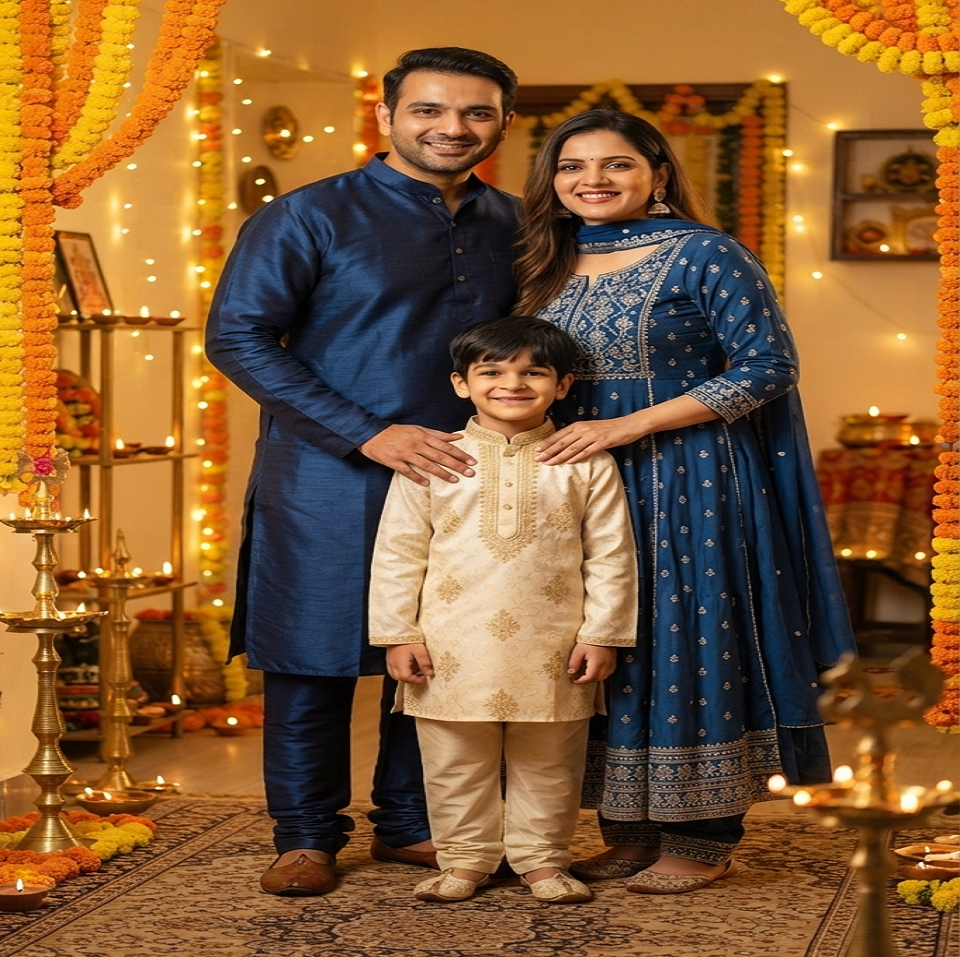
A quick tip before you move to the next section: start with a straight-on, well-lit photo. I’ve noticed Gemini keeps a face looking like the actual person far more reliably when the source shot isn’t blurry, tilted, or shot with the light behind them. Skip this step and even a great prompt won’t save you.
Retro Bollywood Poster Prompts
Another one the big prompt libraries just skip, even though it’s genuinely one of the most-shared trends on Indian social media at the moment.
6. Hand-painted 1970s Bollywood film poster look – same person as the lead, bold dramatic pose, warm sepia-and-red colour grading, retro typography space left open at the top, visible film grain running through the whole image.
7. A vintage musical-film poster works nicely too. Same face, colourful painted background, dramatic diagonal composition. Aspect ratio 2:3 tends to suit this one best.
8. For something punchier, try a retro action-film treatment – dramatic low lighting, an explosion softly blurred in the background, bold red title space left at the bottom.
9. And if you want it softer, go 1980s romantic Bollywood – pastel painted background, dreamy unguarded expression, hand-lettered title space on the right.
Old Photo Restoration and Colorization Prompts
Honestly? This might be my favourite thing to do with Gemini out of this entire list, and it gets almost zero coverage anywhere I’ve looked.
10. Basic restoration. Restore this old, faded black-and-white photograph. Remove the scratches and creases, sharpen the facial details, leave the original expression and clothing exactly as they are. Don’t invent anything that wasn’t there.
11. Natural colorization. Add realistic, period-accurate colour to a black-and-white photo. Keep the background tones muted, not oversaturated – the goal is a real photograph, not a cartoon.
12. Damaged photo repair. For torn or water-damaged sections, ask Gemini to reconstruct them naturally based on what’s around them, keeping the same lighting and grain as the rest of the photo.
13. Studio-quality upgrade. Sharpen and clean up an old, low-resolution family photo without touching any facial features. It should still read as an authentic vintage photo, not something AI-illustrated.
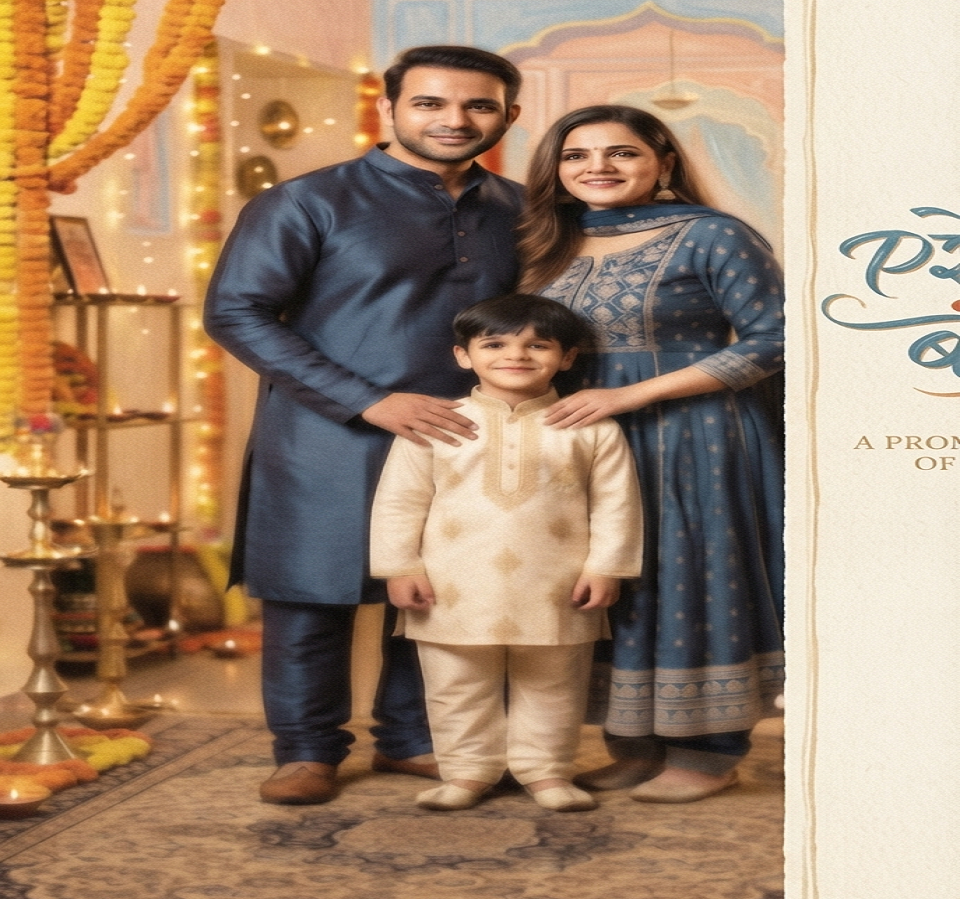
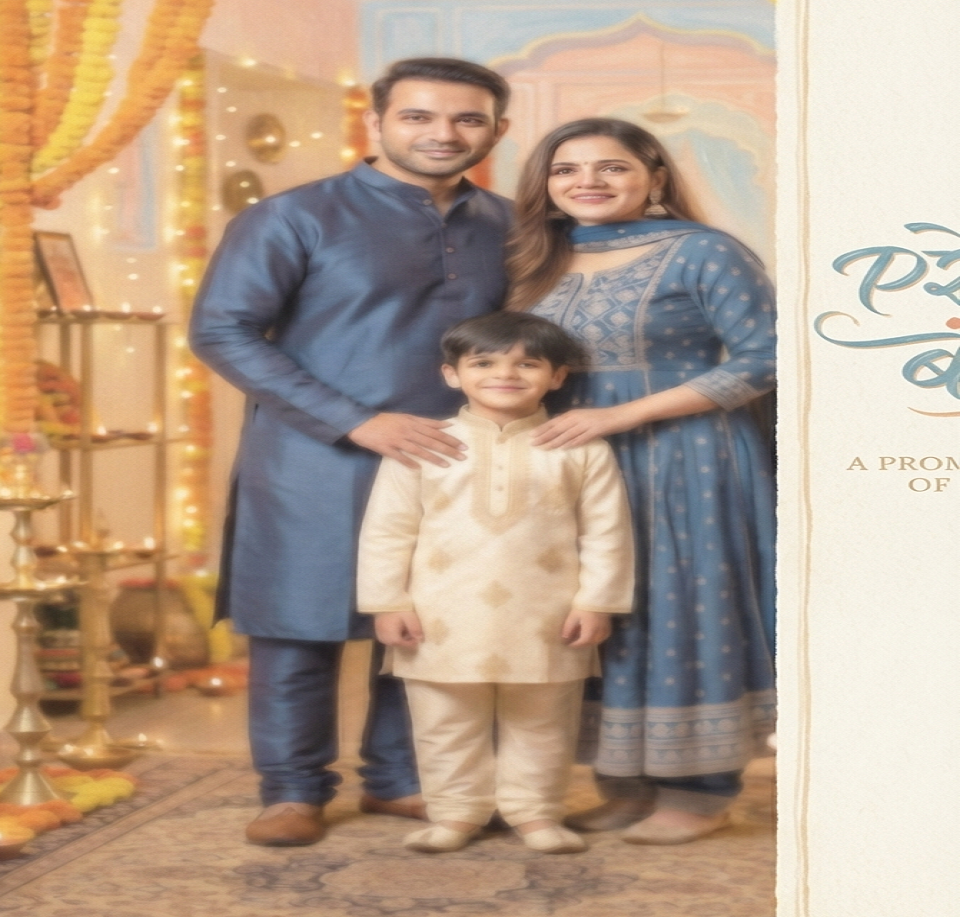
Here’s something I learned the hard way: these work best on photos that are physically damaged, not ones where the detail is simply gone. If a face is too blurry to make out clearly in the original, Gemini will sometimes guess at features that were never really there. I ran this test on an old photo once, and the result looked convincing right up until I compared it against another photo of the same person from around that time – the nose was subtly wrong. Cross-check before you share a restored photo with family.
Professional LinkedIn and Resume Photo Prompts
This overlaps a bit with the usual corporate-headshot idea, but built around what people in India are actually asking for – a decent professional photo without booking a studio slot.
14. Corporate LinkedIn headshot – formal navy blazer, plain light-grey background, soft even studio lighting, a confident closed-mouth smile, shoulders-up crop.
15. For a campus placement or resume photo, keep it simpler: plain white background, collared shirt, neutral expression, even front lighting, passport-photo proportions.
16. And if it’s just for a video-call profile picture, go warmer – soft window light, home-office background blurred out, business-casual outfit.

Festival and Wedding Photo Prompts
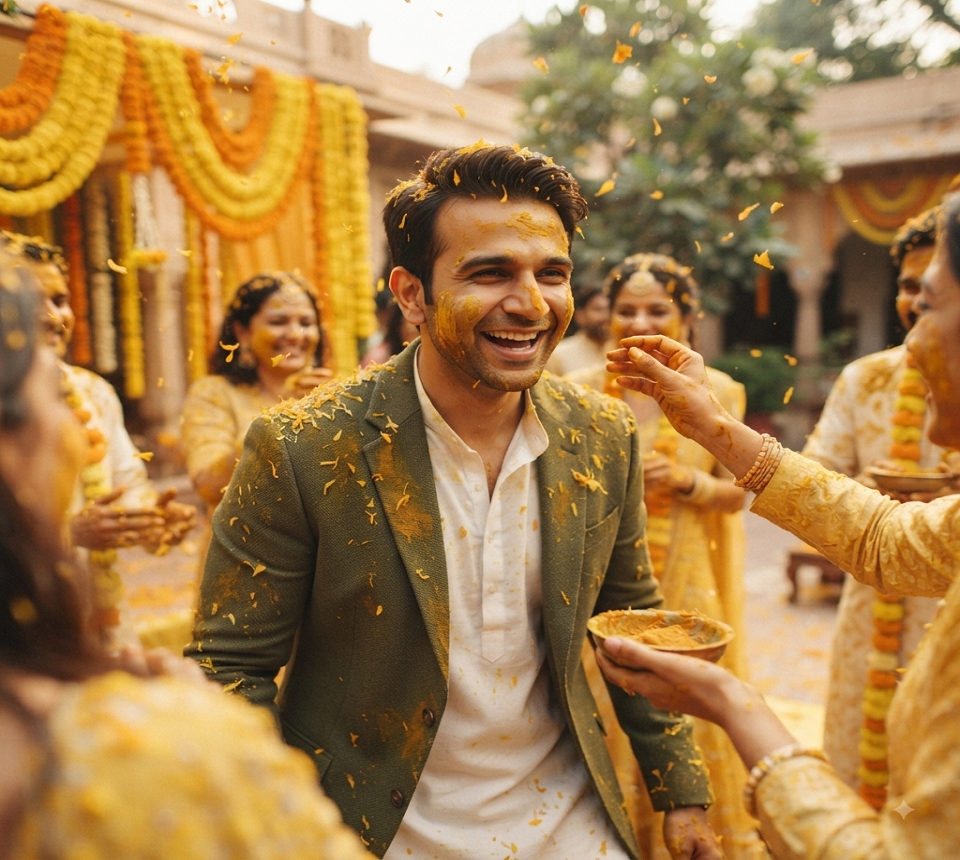
17. Diwali portrait. Warm diya lighting, blurred string lights behind, traditional outfit. Push for a genuinely joyful, candid expression rather than something posed.
18. Wedding guest portrait. Candid wedding-function feel – mandap decorations softly blurred in the background, warm string-light glow, natural laughter caught mid-moment rather than a stiff smile.
19. Family festival photo. Works for Rakhi or any family occasion – combine multiple photos into one warm portrait, coordinated traditional outfits, seated together, soft indoor lighting.
20. Haldi-style candid. Soft yellow tones throughout, playful and unposed, natural outdoor daylight.
Pet Portrait Prompts
21. My personal favourite for pets – studio-lit, soft key light, neutral grey backdrop, sharp focus on the eyes, calm and alert expression. Works especially well on dogs.
22. For something more dramatic, a regal painted-style portrait – small decorative collar, dramatic classical lighting, rich dark background, oil-painting texture instead of a flat photo look.
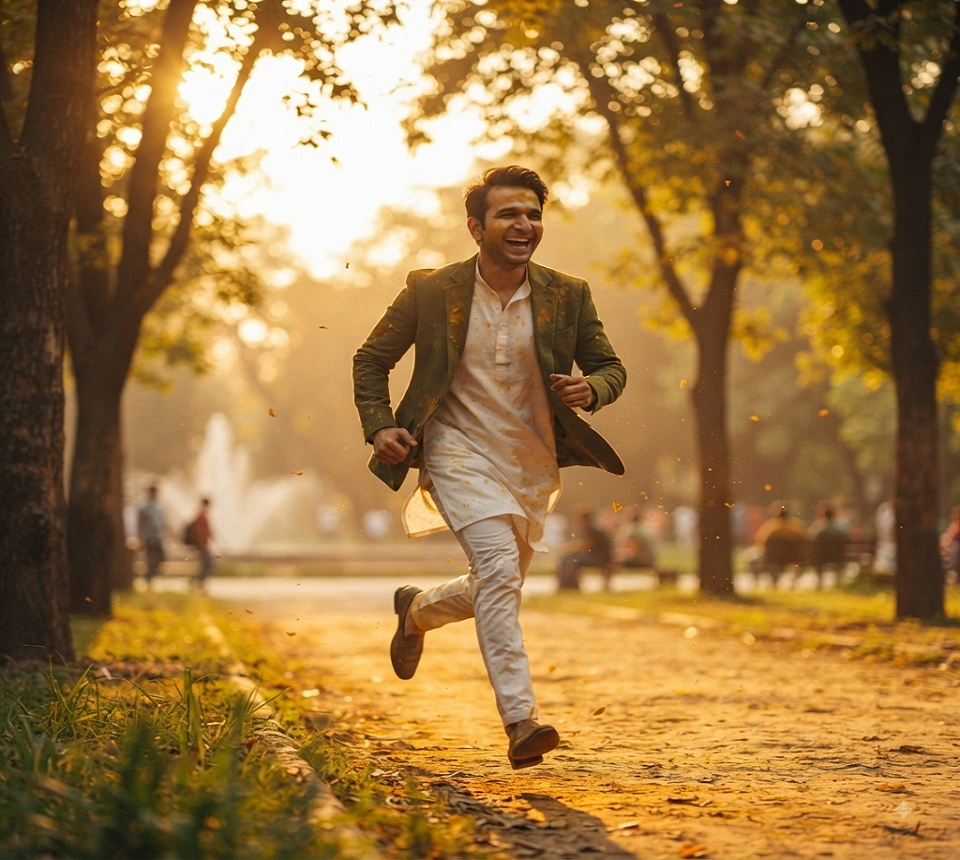
23. Or keep it candid – running through a park at golden hour, motion caught mid-stride, warm backlight, shallow depth of field.
Travel Photo Enhancement Prompts
24. Same location, same people, just warmer golden-hour lighting and naturally improved sky colours. Clean up any minor background distractions while you’re at it.
25. For a postcard-style travel photo – same landmark, same people, slightly heightened colours, cleaner composition, a soft vignette around the edges.
26. And for anything shot in low light, ask Gemini to reduce the noise, sharpen the subject, and balance the artificial lighting so it looks natural instead of blown out.
The 3D Toy-Figurine Trend (Prompt Copy AI Style)
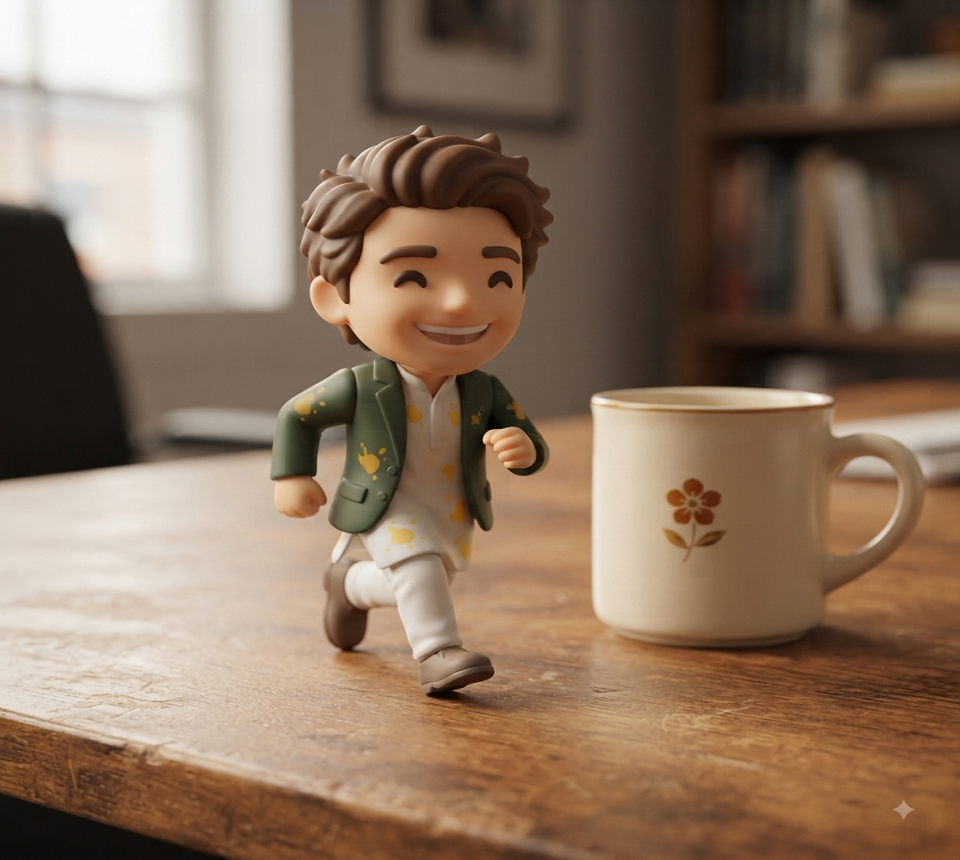
27. A 1:7 scale realistic collectible figure of the person, standing on a circular display base, styled with commercial figurine packaging and a printed box behind it. Soft studio lighting, that slightly glossy plastic-and-resin texture.
28. For something cuter, try a chibi-style 3D keychain figure – oversized head, small body, glossy plastic finish, plain white background.
29. Or a small 3D vinyl desk-toy version, simplified features, matte finish, sitting on a wooden desk next to a coffee mug for scale.
How to Actually Copy-Paste These Prompts Into Gemini
Here’s exactly how to turn any gemini ai photo prompt into a real photo: open the Gemini app on your phone, or the web version, and upload your source photo through the attachment icon. Pick whichever prompt above fits what you’re going for and copy it as-is. Paste it right below your uploaded photo, and only change the small details – saree colour, pet’s name, outfit – not the whole structure of the sentence.
Once it generates, actually look at it before you save it. If something’s off – an extra finger, warped jewellery, a strange object floating in the background – don’t rewrite the whole prompt from scratch. Just add one line describing the fix, something like “keep both hands natural and correctly shaped,” and regenerate. Even a solid prompt sometimes needs two tries before the lighting and the likeness both land right, and that’s normal.
Best Tools for Gemini AI Photo Prompts
Gemini isn’t the only place these work, and a couple of these best AI tools have saved me on days when I hit Gemini’s daily limit or wanted a style it just wasn’t nailing.
Google Gemini (gemini.google.com) is still the best overall for photo-realistic edits, restoration, and the figurine trend, mainly because it edits your actual uploaded photo instead of generating something new from scratch. Adobe Firefly (firefly.adobe.com) is worth having around for commercial-safe generation and finer control over lighting. Canva AI’s Magic Media (canva.com) is handy if you want to drop the finished photo straight into a poster or social template right after. Leonardo AI (leonardo.ai) tends to do better with retro-poster and illustrated styles whenever Gemini’s output leans too photographic. And Freepik’s AI image generator (freepik.com/ai/image-generator) is a decent quick option for festival and background variations.
My honest take, though – start with Gemini for anything involving your own face or a family photo. It’s not just about how good the final image looks. It’s noticeably better at actually editing your real photo instead of generating something that only vaguely resembles it.
Common Mistakes That Ruin a Good Prompt
Writing one vague line is probably the biggest one. “Make this look better” gives Gemini basically nothing to work with – say what outfit, what light, what setting. Skipping the source-photo check is a close second. A dark, blurry, or badly angled photo caps how good literally every prompt on this page can turn out, so fix the original lighting first if you can.
People also tend to change too much in one go. If a result is close but something’s off, fix that one thing – don’t rewrite the whole prompt and start over, because you’ll lose the parts that were already working. And a smaller one that trips people up: forgetting to say what to keep. Especially for restoration and portrait prompts, add a line like “keep the same facial features.” Feels redundant, but it noticeably cuts down how often Gemini quietly changes someone’s face without meaning to.
Frequently Asked Questions
What does “prompt copy AI” actually mean? It just means using a prompt someone else already wrote and tested, copying it, tweaking a word or two – instead of sitting down and writing your own from zero. Quickest way to get something usable out of Gemini without treating prompt-writing like a skill you need to learn from scratch.
Is Gemini free to use for photo prompts? There’s a free tier with daily limits, both on the web and in the app. Google changes those limits every so often without much of an announcement, so check your current allowance before planning a big batch of photos in one sitting.
Why do my Gemini photo results not look like me? Nine times out of ten, it’s the source photo. A clear, front-facing, well-lit shot holds facial likeness far better than one that’s blurry, angled, or backlit. Adding a line like “keep facial features identical to the uploaded photo” directly in your prompt helps too.
Can I use these prompts for Midjourney or ChatGPT images too? The description-heavy ones – saree portraits, retro posters, pet portraits – will mostly work fine elsewhere with a little tweaking. The restoration and figurine prompts are written around how Gemini specifically edits an uploaded photo though, so they might not behave the same way on other tools.
Are AI-generated photos safe to post publicly? For personal or family use, generally yes. Just don’t use someone else’s photo without asking them first, and if you’re posting one in a professional or journalistic context, say plainly that it’s AI-enhanced.
Final Thoughts
Here’s what stood out while researching this: most “best AI image prompt” articles are written for marketers and designers – product shots, logo mockups, ad banners. That’s not really what people are pasting into Gemini on a random Tuesday evening though. It’s a saree portrait for a new profile picture. An old photo of someone’s dad, finally in colour. A figurine of themselves to send in a group chat. That’s the gap I was actually trying to fill here.
Pick the five or six prompts above that you’d genuinely use this week. Try them on one of your own photos first, and when something’s slightly off, adjust that one detail instead of rewriting the whole thing. If this kind of tested, copy-paste-ready prompt list is useful, stick around on TechExploria – I run every prompt myself before it ever makes it onto the page.



1 comment