Quick answer: The Viral Pur Motu Patlu trend uses AI video tools to place familiar cartoon-style characters in realistic-looking scenes, often with a village or selfie-vlog setting. You don’t need a dedicated generator to try this style. You can start with an image-generation tool, animate the image, and then add Hindi audio or captions in a video editor.
This guide covers the tools to consider, five prompts you can adapt, common animation problems, and a few things to know before publishing your video.
How this guide was prepared
This guide brings together information from the linked tool documentation and published coverage of the trend. The prompts are examples you can adapt for your own projects. Tool features, free credits and export limits may change, so check the current terms before starting.
What is Viral Pur Motu Patlu, really
Two things share this name. One is a trend. The other is a website: Viral Pur, which publishes trending AI photo and video prompts. LatestLY reported that Google searches for the phrase shot up, and spin-offs like “Mayapur Motu Patlu” came along with it.
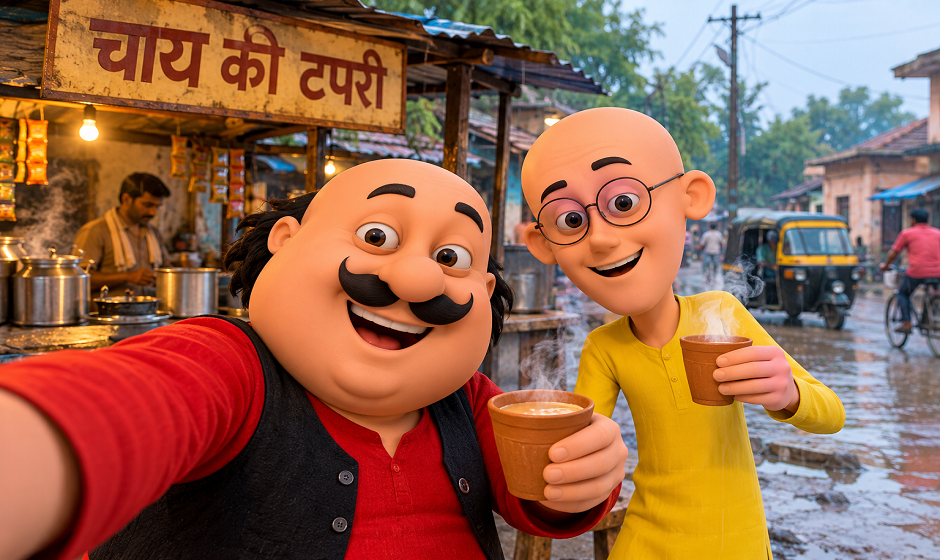
Picture the video. Motu and Patlu, who’ve spent their whole lives as flat drawings, now stand in a proper village lane or beside a chai stall, and the camera shakes a little, like a friend is filming on his phone. That’s it. That’s the joke, and it works because you know these two so well and suddenly there’s real dust on the road behind them.
One detail from the LatestLY piece stuck with me. Plenty of the searching came from people hunting for prompts and lip-sync tutorials. So they don’t just want to watch. They want to make one.
So, is there a Motu Patlu AI video generator
There’s no official Motu Patlu AI video generator that we could find. Most pages using that phrase point to general AI tools that make or animate videos from prompts and images, so your result depends on the tool and the image you start with.
Be cautious with websites claiming to offer an official generator, especially if they ask you to download unknown software or pay before explaining what the service does. Check the site’s identity, pricing and privacy terms before uploading images or making a payment.
The tools
Reviews disagree about free credits, and plans keep changing, so treat this table as a starting point.
| Tool | Good at | Free access | Watch out for |
| Kling AI | Realistic movement from a still image | Some free credits | They run out quickly |
| Hailuo AI | Smooth, natural motion | Some free credits | Short clips, queues, watermark |
| PixVerse | Quick, playful, stylised clips | Limited free plan | Watermark on free exports |
| Meta AI app | Easy phone-only clips | Free where available | Starts from an image; not live everywhere |
| CapCut | Captions, voiceover, final edit | Free tier | Edits clips, can’t create them |
Kling first. It comes from Kuaishou and turns an image or a text prompt into a clip of around ten seconds. It’s worth a try if realism is what you’re after, since that’s the whole point of this trend, though the result still depends on your starting image and prompt. One thing nobody agrees on: whether the free credits refresh daily or monthly. Check what your own account says.
Hailuo, from MiniMax, gets compliments for smooth, believable motion. Clip length and free access can vary by plan, so check the current options before generating. On a free account you might wait in a queue and end up with a watermark, so if you want a clean file, factor that in before you start.
PixVerse is worth exploring if you want to try stylised effects and templates. Good for goofing around. Not what I’d pick if I wanted the most realistic result.
Meta has an app that can turn an image into a video. Meta’s own help page is clear on two points: you must begin with an image, since text-only video isn’t supported, and some features haven’t reached every country yet. Can’t see the option? Don’t waste time on it. Use another tool.
And CapCut. It won’t generate your clip, but it’s where you clean up the mess: add captions, record a voiceover, chop that awkward last second, and set the right frame size for Reels or Shorts.
Five prompts, written for this guide
All five are built on ordinary Indian scenes (chai, cricket, trains, a mela, kites) instead of the setups you’ve probably already seen elsewhere.
In these prompts, [DUO] is a placeholder for two characters. For example, you could use a cheerful, round man in a green kurta and a tall, thin man wearing round glasses. Replace the placeholder with your own character descriptions before using a prompt. If you use existing copyrighted characters, consider the rights and platform rules discussed below.
The routine: make the picture first, then use the motion prompt to bring it to life.
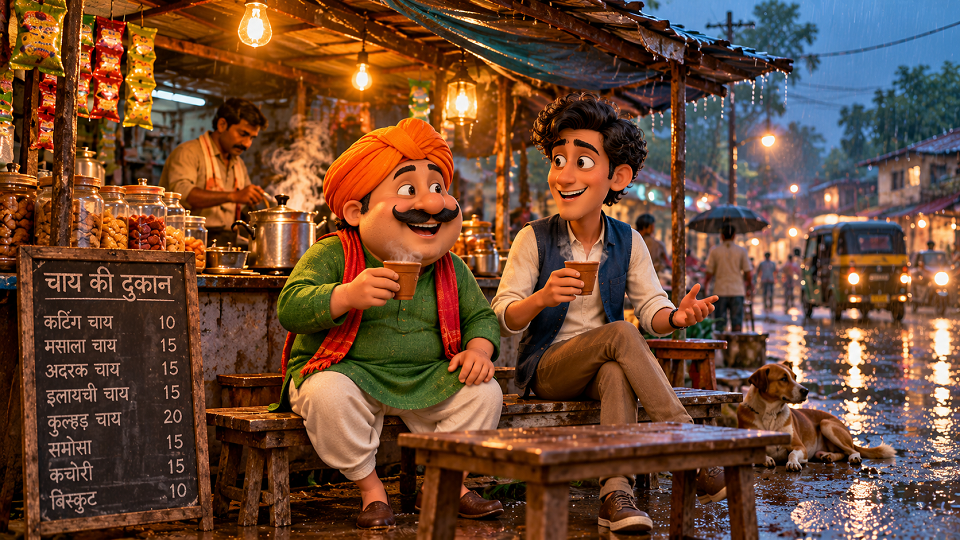
Monsoon Chai Stall
Image prompt: [DUO] sharing tea at a roadside chai stall while it drizzles. Steam coming off the clay cups, the wet road catching warm yellow lamp light, a tarpaulin roof dripping at the edges. Photo-realistic 3D, evening, shot from eye level.
Motion prompt: Slow, slightly shaky handheld camera. One of them blows on his tea and grins at us. The steam drifts, the rain keeps falling lightly, and nothing else moves. Don’t change faces, clothes or the stall.
Village Cricket Break
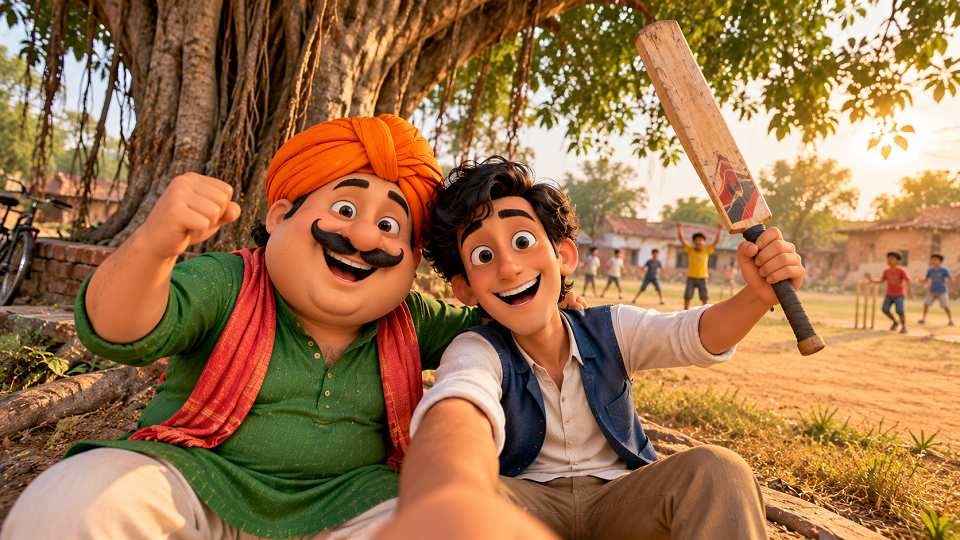
Image prompt: [DUO] sitting under a big banyan tree next to a dusty village pitch, laughing, one of them holding a bat. Late afternoon sun, a few kids blurred in the background, dry grass. Realistic 3D.
Motion prompt: Camera held at arm’s length like a selfie, with a little shake. One of them raises the bat like he’s just won the match. Leaves sway a bit. The rest stays still.
Night Train Window
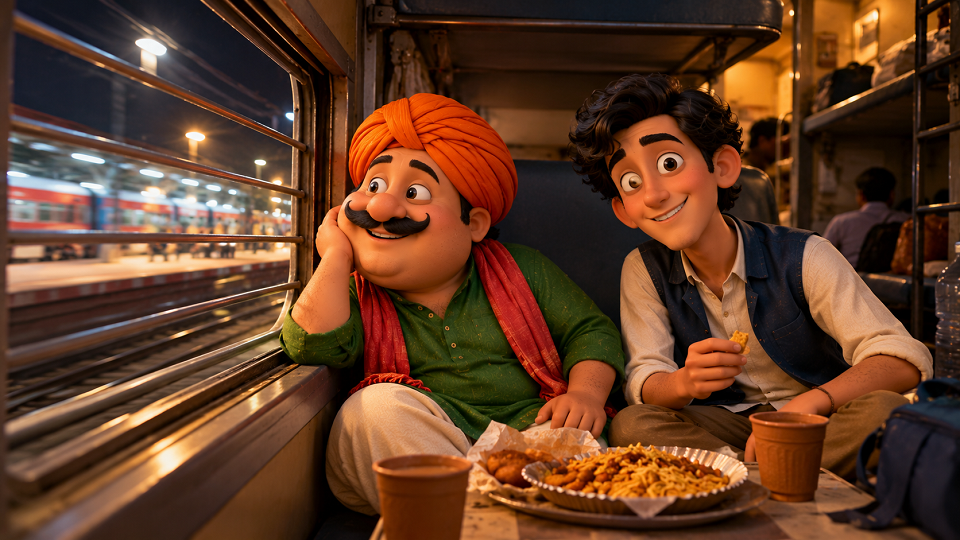
Image prompt: [DUO] sitting by the window of a sleeper-class train at night, a paper plate of snacks between them. Platform lights streak past outside. Dim and warm inside. Cinematic but natural.
Motion prompt: The camera drifts forward, slow and smooth. Lights slide past the window. One of them looks outside, then turns to us with a small smile. No talking.
Small-Town Mela
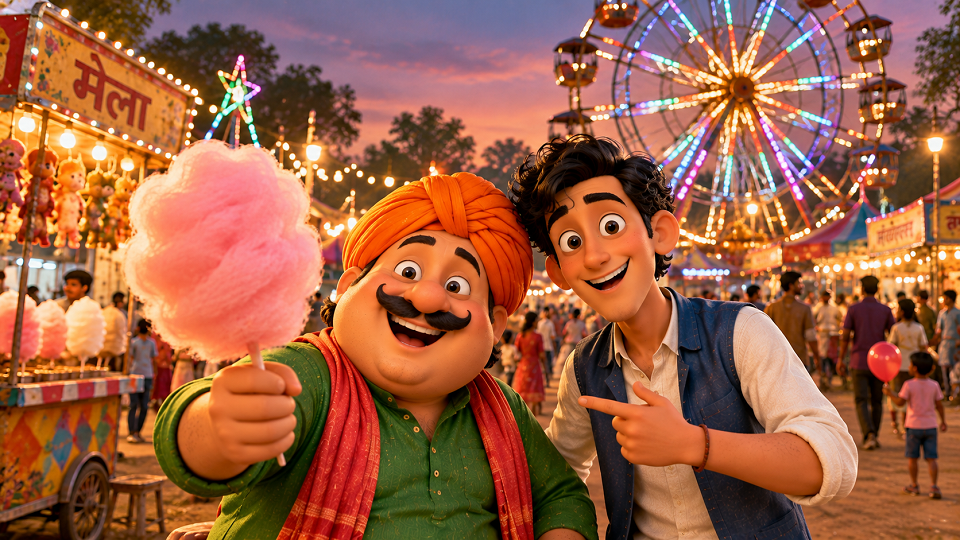
Image prompt: [DUO] at a small-town fair in front of a hand-painted ferris wheel covered in festival lights. One of them is holding cotton candy. Dusk sky, busy and colourful, soft blurred background.
Motion prompt: The camera circles slowly around them. Lights twinkle and the wheel turns behind. One holds the cotton candy out toward us. Keep the faces steady.
Rooftop Kite Evening
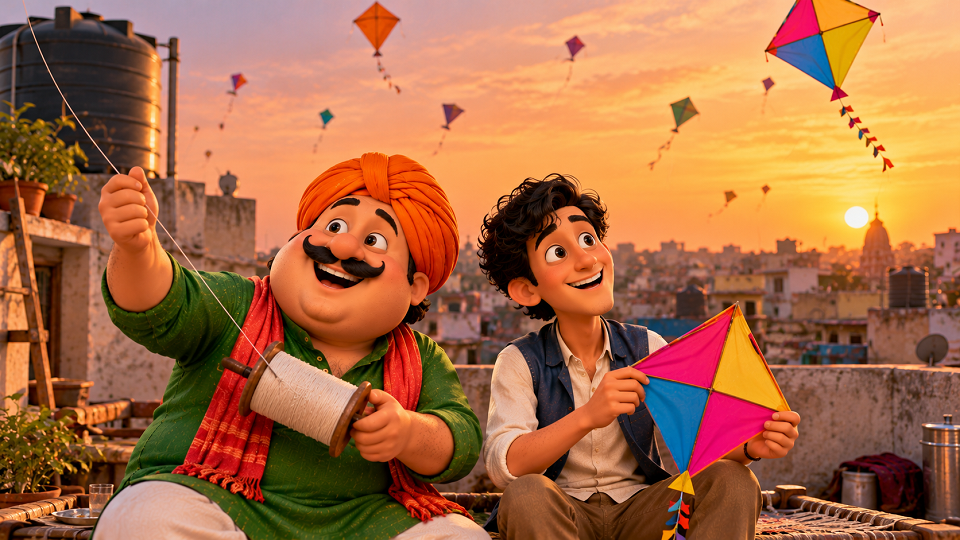
Image prompt: [DUO] on a flat rooftop at sunset, one holding a manjha spool and the other a kite, more kites in the sky behind them. Orange light, a water tank in the corner, relaxed mood.
Motion prompt: A light breeze moves their clothes and the kite string. One of them tugs the string and looks up. The camera hardly moves. Faces and background stay the same.
Why they’re written this way
Each prompt describes the characters, setting and camera movement, while the motion prompt focuses on one main action. This gives the video tool a clearer starting point. If you ask for too many movements at once, the result may become inconsistent. Start with a simple scene, review the clip, and adjust one instruction at a time.
Free credits vanish fast
Free generations can be limited, so it helps to plan before using them. Start with a short clip, change one prompt detail at a time, and save versions that work well. If you get a good result, try improving that version before generating an entirely new scene. The available credits and export options depend on the tool and plan.
The Hindi audio headache
Speech is where these videos usually fall apart, Hindi especially. Even good tools slip, and when the mouth doesn’t match the words, the spell breaks instantly.
An easier route: make the clip with little or no talking, then record the voice afterwards in CapCut. Keep the line short, add captions, and let the visuals carry the joke. A quiet, well-framed clip with good captions will usually beat an ambitious one with broken lip-sync.
Before you hit upload
Do the characters in the last frame still look like the ones in the first? Any extra fingers, or objects that pop in and out of existence? Is every sign and caption spelled right? Does the voice match the mouth, or do you need to replace it? And if the ending feels chopped off, trim it.
Copyright, privacy and labelling
This is general guidance, not legal advice.
Copyright. Motu Patlu characters are protected intellectual property. Generating a video with AI does not automatically give you permission to use those characters commercially. If you plan to monetize a video, run ads around it, or use it to promote a product, check the relevant rights and platform policies first. Creating your own original characters gives you more flexibility for long-term content.
Privacy. Some tutorials ask you to upload a clear photo of your face. Before you do, read what the tool says about storing and reusing images. Skip other people’s photos unless they’ve said yes, and be extra careful with kids.
Labelling. Realistic AI video can fool people, so add a short “AI-generated” line to your caption. Platforms are also tightening their rules on realistic AI content, so check the current policy on the one you post to.
Questions people ask
Is there an official Motu Patlu AI video generator?
No official generator that we could find. General AI image-to-video tools can create similar scenes, but features, access and results vary. Check the service’s official website before signing up or paying.
Which free tool should I start with?
Start by comparing the tools’ current free access, video length, watermark and image-to-video features. Kling, Hailuo and PixVerse are options to investigate, while Meta AI may be available in some regions. Check the current plan details before choosing one, as free access can change.
Can I make money from these videos?
It’s risky. The characters belong to their owners, and monetised content can get taken down. Original characters are the safer route.
How do I fix bad Hindi lip-sync?
Generate the clip with minimal speech, then add voice and captions in an editor like CapCut.
Where this leaves you
Creating a video in this style starts with a simple process: prepare an image, animate it with an AI video tool, and add audio or captions in an editor. The first result may not look exactly as you imagined, so keep the scene simple and adjust the prompt when something goes wrong.
Before sharing the video, check the animation, captions and audio. Also consider copyright, privacy and the rules of the platform where you plan to post it.
If you try these prompts, share which tool worked best for you in the comments. You can find more practical AI and technology guides in the TechExploria Tech Guides section.
Source: https://www.latestly.com/social-viral/viral-pur-motu-patlu-video-trend-explained-7520290.html